A request comes in while you're tattooing. A client confirms their slot during your break. You want to check your week on the subway. Until now, all of that went through your phone's browser. Inkkore now has its own app for iPhone and iPad.
The same account, nothing to re-enter
The app isn't a cut-down version: it's your studio, exactly as you know it on the website. You sign in with your email and password and find your requests, messages, calendar, clients and settings. Whatever you change in the app is on the website right away, and the other way around — one source, never two versions that disagree.
Tabs within thumb's reach
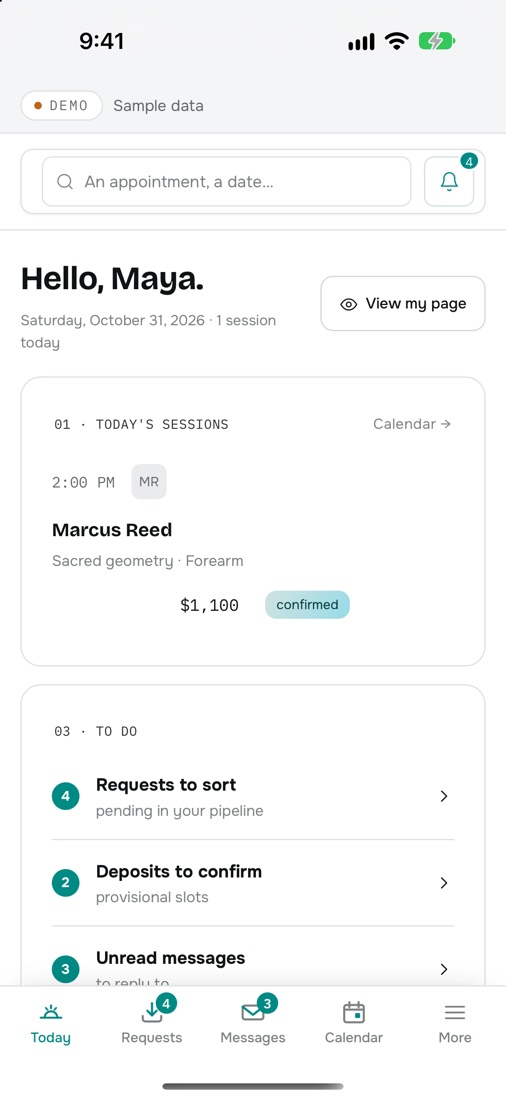
On a computer, the menu lives on the left. On a phone, it has no business being there. In the app, the essentials move to the bottom of the screen:
- Today — your sessions and what's waiting for an answer.
- Requests — every request arrives already filled in: placement, size, budget, references.
- Messages — one thread per client, where you suggest your times.
- Calendar — your week, with provisional and confirmed slots.
- More — your link and books, the form, flash, finances, consent, settings.
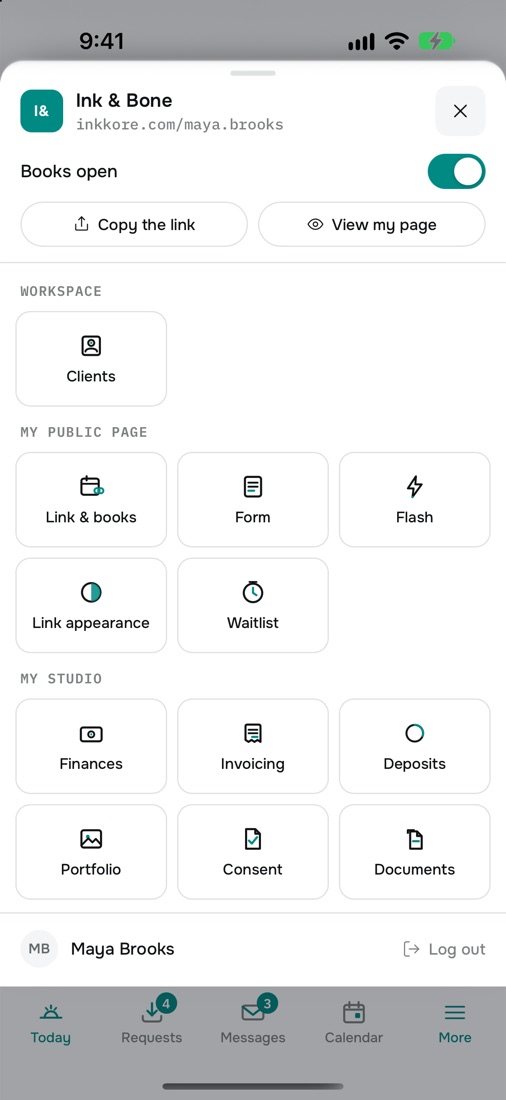
Pull the screen down to refresh, swipe from the left edge to go back. Mockup and reference photos can be taken straight from the camera or picked from your photo library.
On iPad, room to work
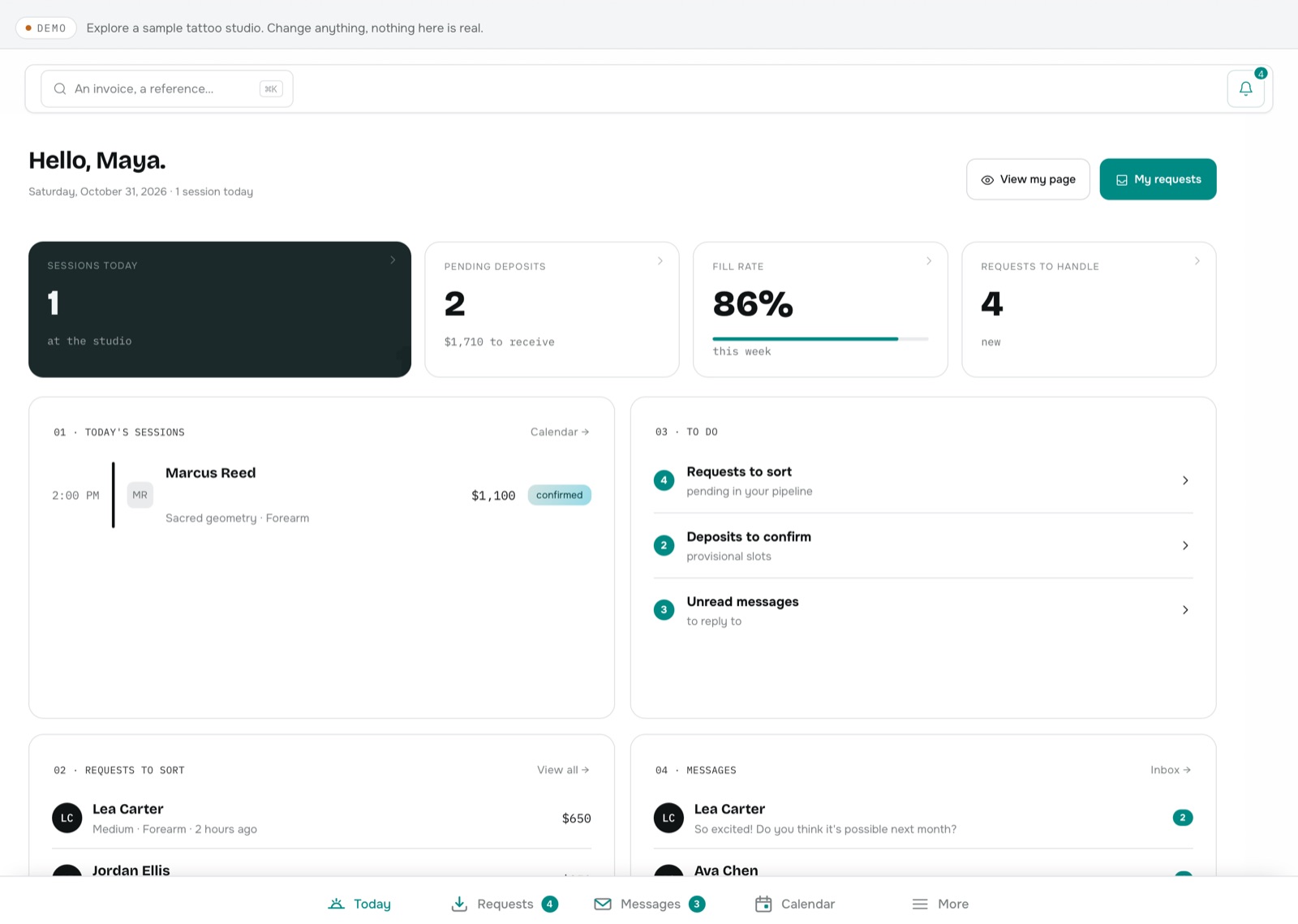
On iPad you get the same tab bar, and the full width for everything else: your requests as a table, the conversation next to your thread list, your calendar by week. The app works in portrait and landscape, on 11-inch and 13-inch iPads.
Already set up on the website? Nothing to redo
If you finished getting started on your computer, the app won't ask you to do it again. A short three-bubble tour just shows you where the menu went. If you haven't finished, you pick up exactly where you left off — on your phone, your tablet or your computer.
Your subscription stays on the website
The app doesn't sell anything: no in-app purchases, no prices. You create your account and manage your subscription on inkkore.com, from a browser, and the app picks up your plan on its own. That's also how we keep the same prices everywhere. And as always, your deposits go straight to you: 0% commission.
The same studio on every screen: start a reply on your computer, finish it on your phone.
When can I download it?
The app is being published on the App Store. The link will be added here and in the documentation as soon as it's available. The Android version comes next. In the meantime, everything already works in your phone's browser, at the same address.