Inkkore.
Log in
Apps

Inkkore on iPad, iPhone and Android.

Manage your requests, clients and calendar wherever you tattoo. The apps are in preparation; Inkkore already runs in your browser, with the same account on all your devices.

Coming soon onApp Store Coming soon onGoogle Play

iPhone and iPad: coming soon to the App Store. Android: in testing. Not available to download yet.

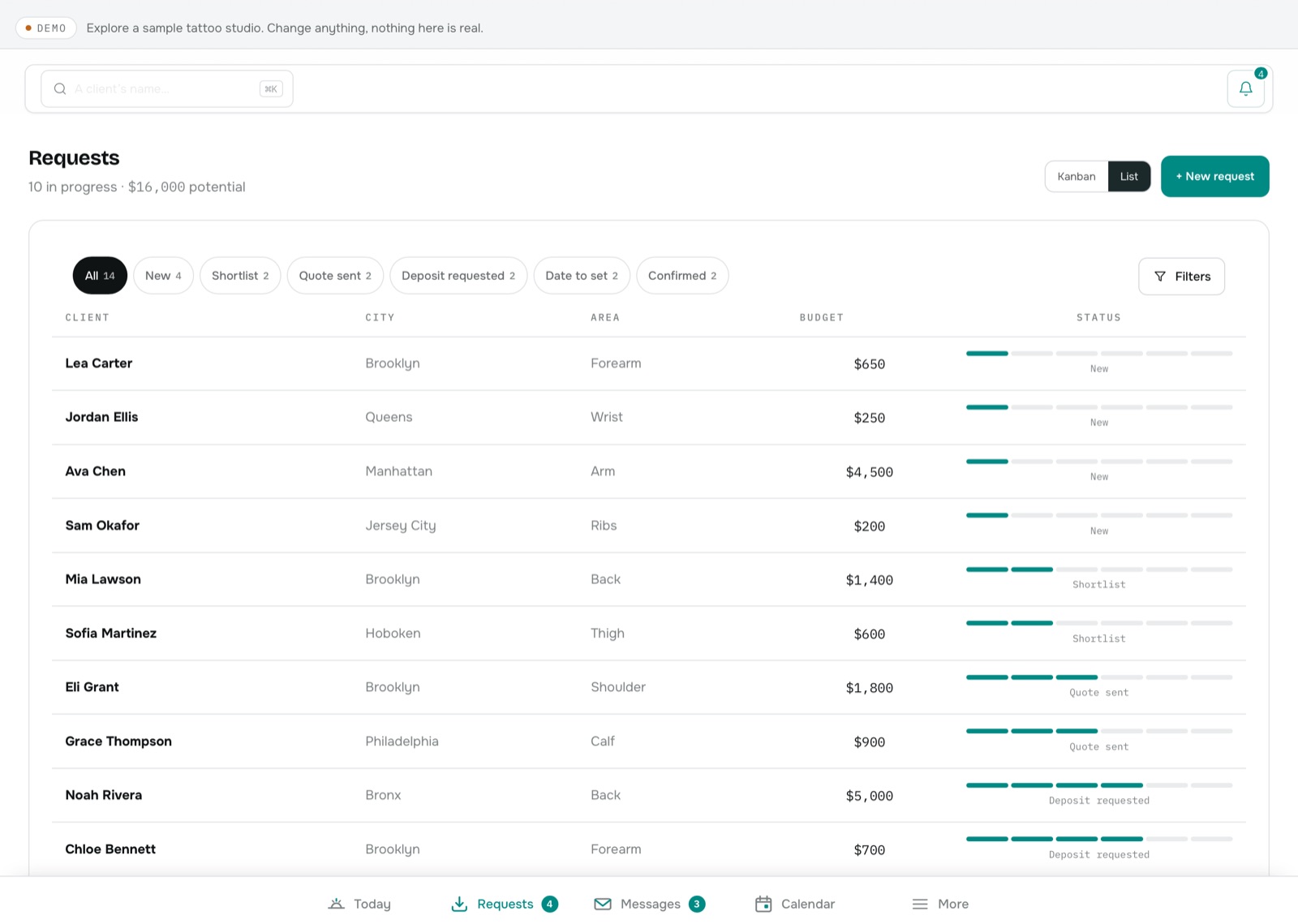
The Inkkore home screen on iPad Pro: today's sessions, deposits, requests and messages
The Inkkore home screen on iPhone
One workspace, shaped for every screen

The right tool at the right moment.

iPad Pro: the complete workspace

  • A cockpit that brings forward your current session and what needs action.
  • The request and its conversation side by side: read the brief, reply and prepare the offer without switching screens.
  • Calendar, clients, offers and deposits, with the room of a real screen.
  • Studio management: team, stations and finances.
  • Tabs within reach of your fingers, in portrait and landscape.
Requests in Inkkore on iPad Pro
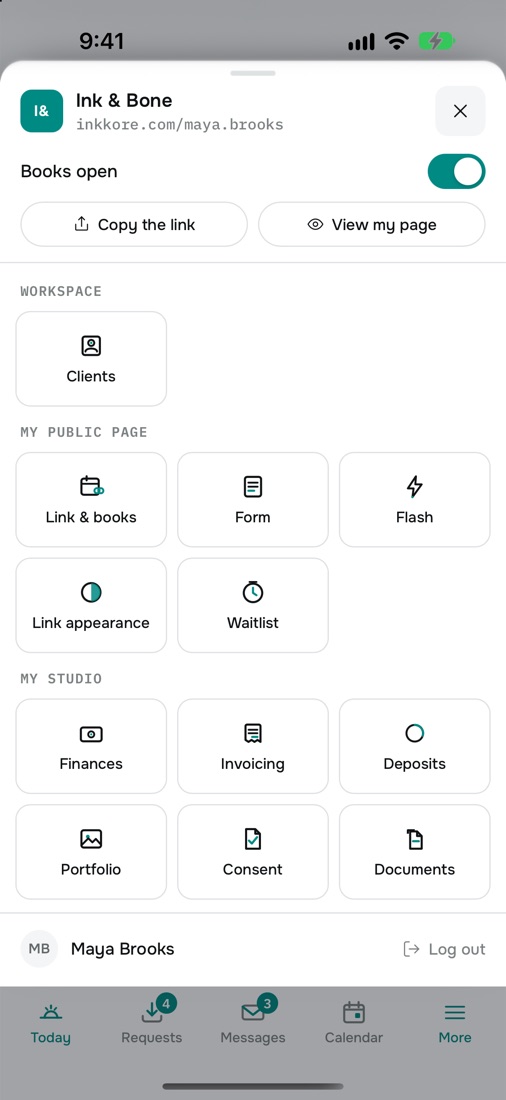
The Inkkore More menu on iPhone: clients, link, form, flash, finances, consent

iPhone: the essentials in your pocket

  • New requests as soon as they arrive.
  • Reply to a client in a full-screen conversation.
  • Today's sessions and the next one.
  • Priority actions first.
  • Share your link in one tap.
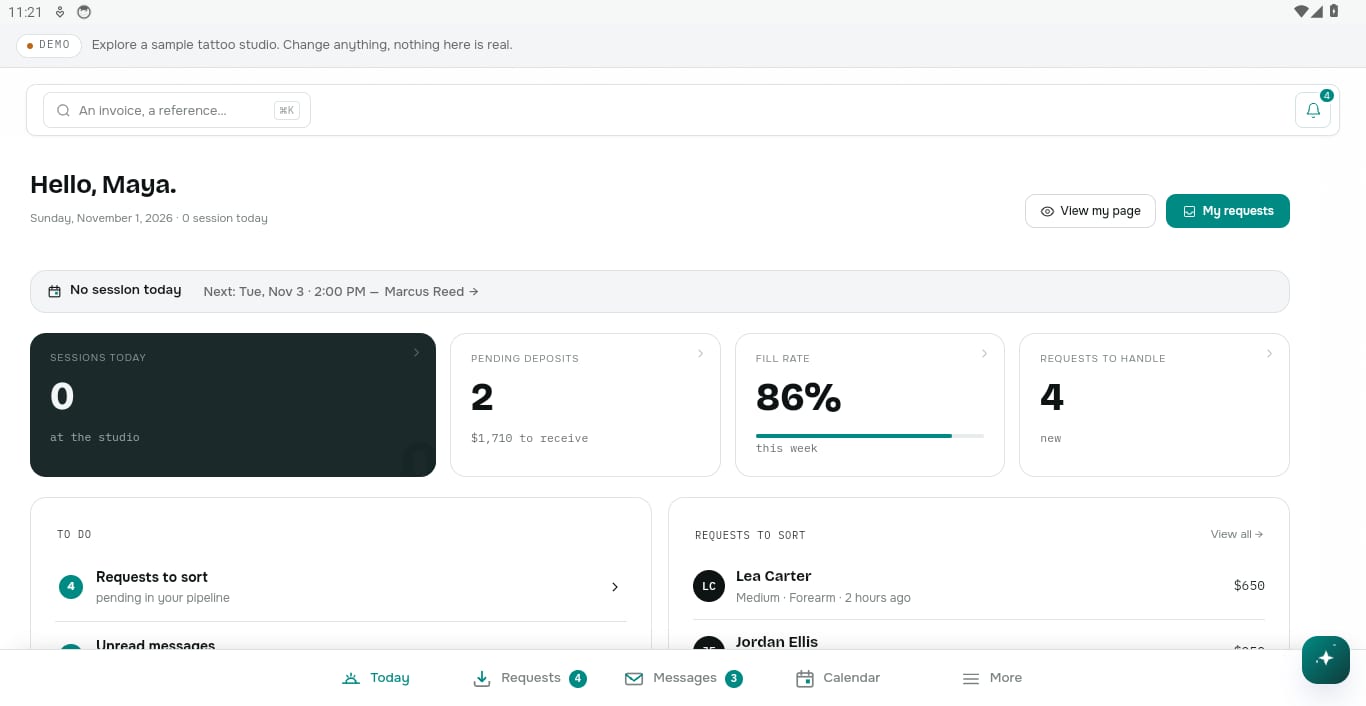
The Inkkore home screen on an Android tablet
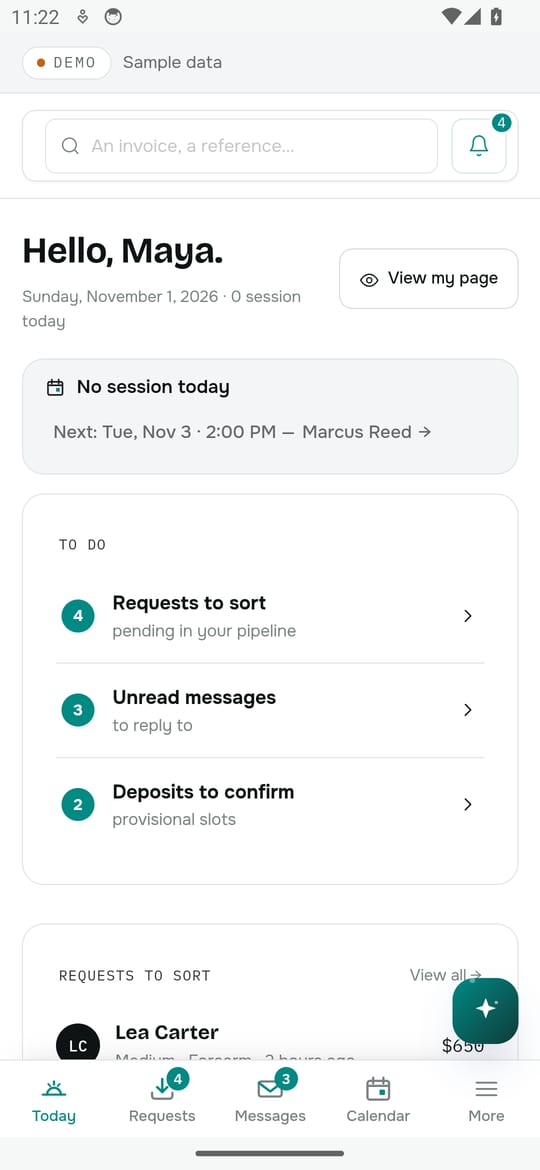
The Inkkore home screen on an Android phone

Android: phones and tablets

  • The same app, adapted to the screen size.
  • The system back button, everywhere.
  • On tablets, the request and the conversation side by side.
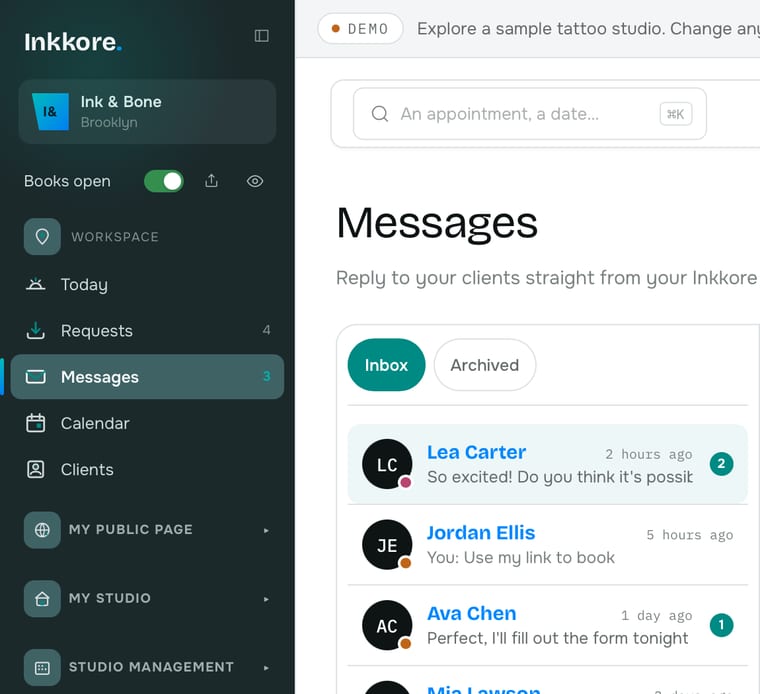
inkkore.com/appInkkore messages in a web browser

In your browser, starting today

  • Nothing to install to get started.
  • The same account and data as in the apps.
  • Your subscription is managed on the website.
Compatibility

What works where?

FeatureBrowseriPad and tabletPhone
Requests, offers and deposits✓✓✓
Messages and attachments✓✓✓
Calendar and appointments✓✓✓
Clients, consent forms and documents✓✓✓
Public page, flash and portfolio✓✓✓
Studio: team, stations, finances✓✓On a larger screen
Subscription✓On the websiteOn the website
FAQ

Questions about the apps

Is the app already available?

Not yet. The iPhone, iPad and Android apps are in preparation and testing. No date is guaranteed: this page will be updated as soon as they're on the App Store and Google Play.

Can I use Inkkore right now?

Yes. Inkkore works today in the browser of your phone, tablet or computer, with nothing to install.

Do I need a different subscription?

No. It's the same account and the same subscription. You subscribe and manage it on the website; the apps have no in-app purchases.

Is my data synced?

Yes, because it's the same Inkkore workspace: what you change on one device shows up right away on the others. An internet connection is required.

Can I manage everything on iPad?

Yes. On iPad and tablets, every feature of the website is available, studio included. On a phone, studio management needs a larger screen.

Will the app be free to download?

Yes. The download will be free; you sign in with your Inkkore account and get the features of your plan.

How do I create an account?

On this website, in a few minutes: claim your link, then sign in with the same account in the browser, and later in the apps.

Start today in your browser.
Find it all in the app tomorrow.

Claim your link, try the demo, and keep the same account when the apps arrive.